
Digital signage software for verified screen networks
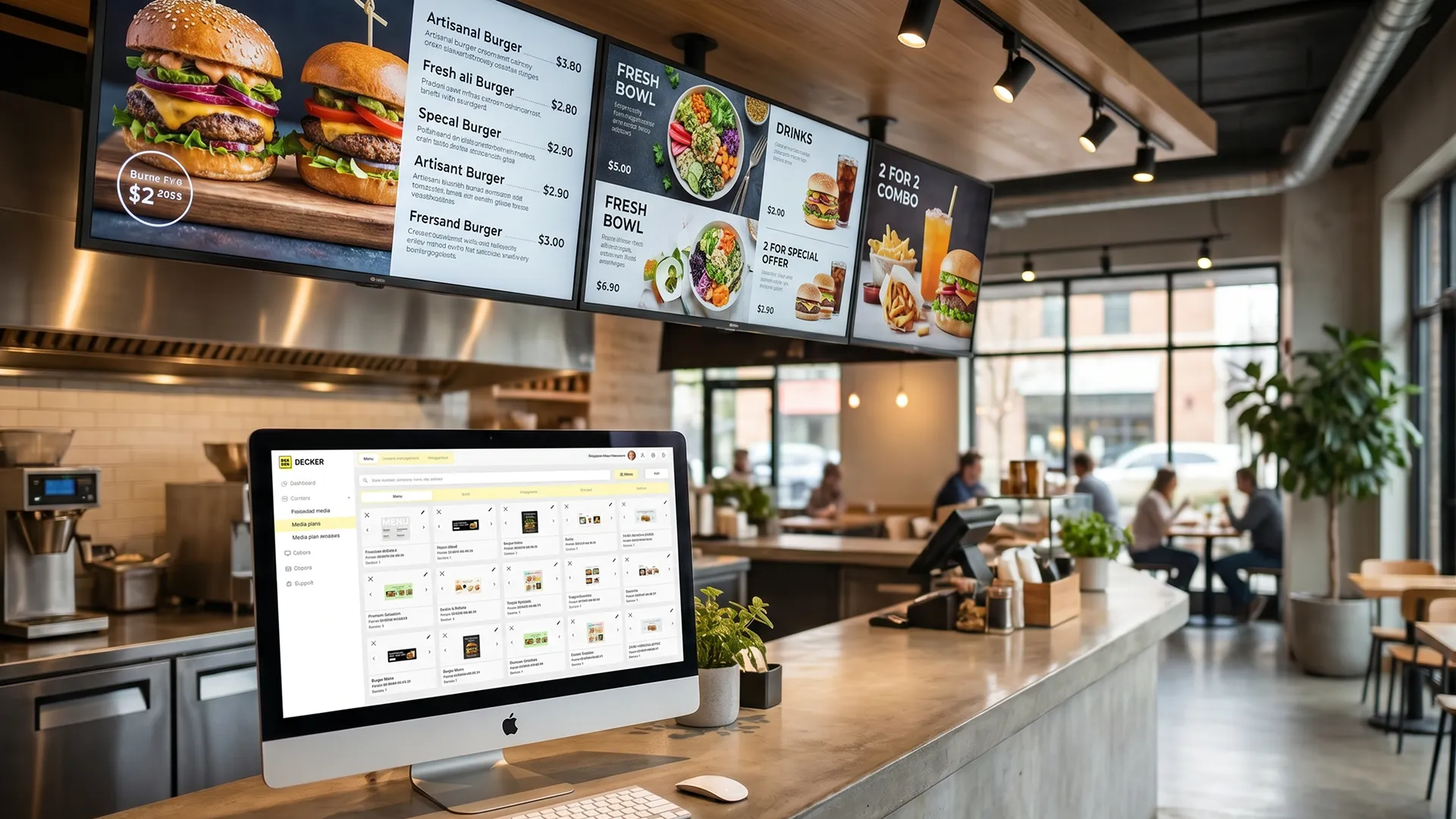
Decker is cloud-based digital signage software that manages content, schedules, integrations, and screen status across connected displays. Decker helps teams publish the right content, verify playback, monitor screen health, and recover displays remotely.



-
Verified playback beyond standard content delivery
Unlike basic signage tools that stop at content delivery, Decker verifies playback after content reaches the screen.
-
Up to 60% less avoidable screen downtime
Decker checks screen and player status after publishing, so teams detect playback issues earlier and recover supported displays remotely.
-
Up to 80% faster menu and content updates
Decker connects POS, ERP, and API data with screen templates, so teams update menus, prices, offers, and availability without rebuilding every screen.
Decker connects screens, content, menus, promotions, publishing rules, and monitoring in one screen operations platform. The platform helps teams update displays faster, reduce avoidable downtime, and launch timely screen campaigns across one site, a network, or a franchise.
What is Decker digital signage software?
Decker is a cloud-based digital signage software platform that centralizes content management, schedules, integrations, and screen operations for managed screen networks. As a digital signage CMS and content management system, Decker helps teams manage content for each TV, monitor, kiosk, menu board, and information display. Teams use Decker to schedule and publish menus, promotions, announcements, dashboards, media, and advertising content across connected screens.
-
Managed screen network
Decker organizes TVs, monitors, kiosks, menu boards, and information displays into a managed screen network that connects each display to a location, schedule, and publishing rule.
-
Content management and publishing
Decker helps teams manage media, menus, promotions, announcements, dashboards, and advertising content, then publish the right content to the right screens.
-
Monitoring and verification
Decker adds monitoring and verification after publishing, so teams can check screen status, confirm playback, and keep content connected to daily operations.


What Decker controls from one digital signage platform
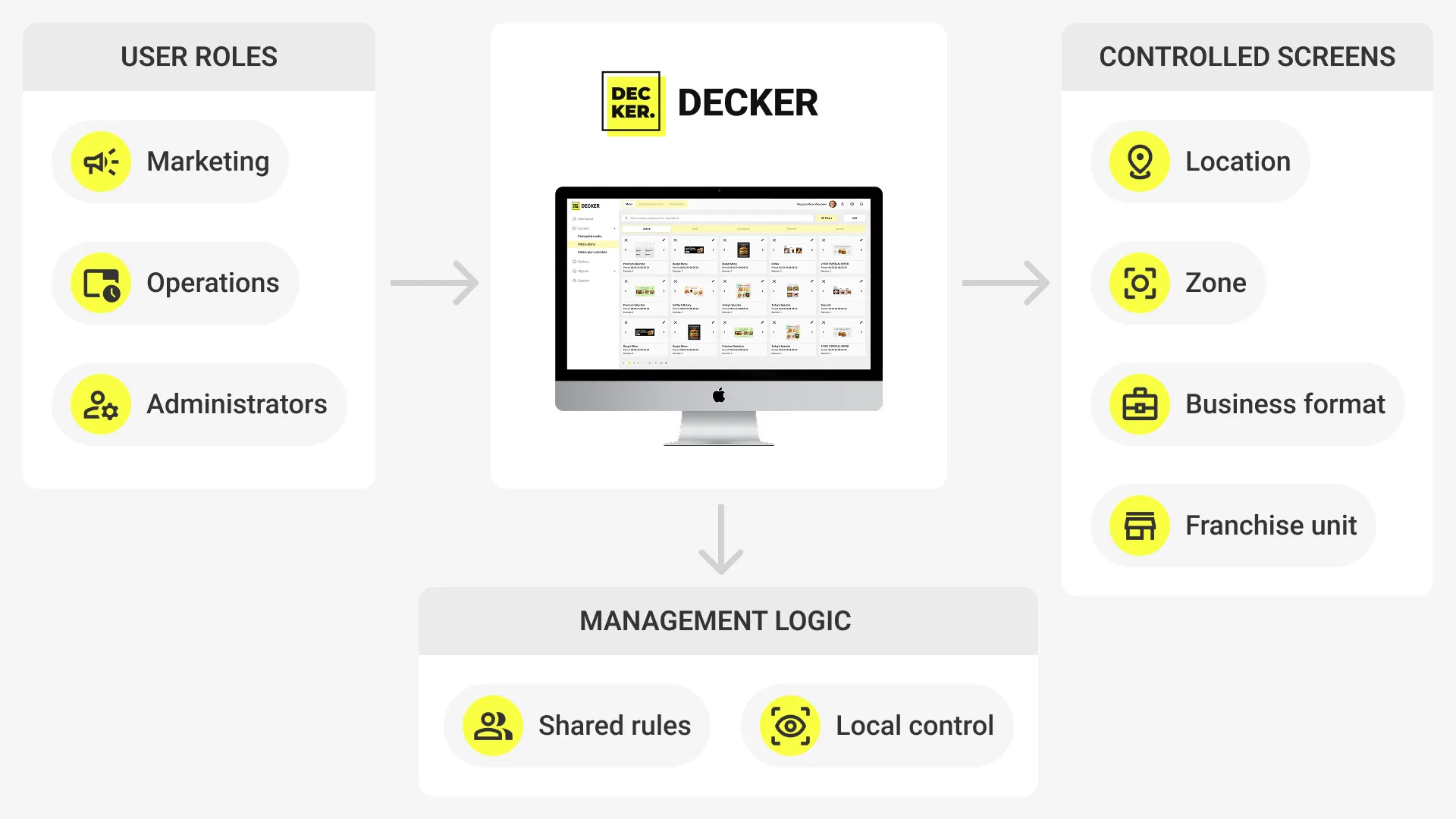
Decker gives teams one digital signage platform to control screen content, schedules, locations, access, integrations, alerts, and recovery actions across daily screen operations.
-
Content management
Decker helps teams upload, organize, and update media, messages, menus, and campaigns without rebuilding every screen workflow.
-
Schedules and playlists
Decker runs content by time, location, screen group, business format, playlist, and campaign window.
-
Screen groups and locations
Decker organizes screens by site, zone, region, franchise unit, location, and operating purpose.
-
Roles and access
Decker gives marketing, operations, and local teams the right role and access level for publishing work.
-
Integrations and data sync
Decker connects POS, ERP, and API data to menu, price, promotion, and availability updates.
-
Monitoring and alerts
Decker tracks screen status, playback changes, connection gaps, display issues, and alert events after content goes live.
-
Remote recovery
Decker supports remote recovery actions that help teams restart playback, correct display state, and reduce unnecessary site visits.

The unique Decker difference in digital signage software
Decker adds a hardware verification layer to digital signage software and helps teams confirm whether each screen and player keeps working after content is published.
-
Decker Player displays content
Decker Player receives published content from the platform and displays it on the connected screen.
-
Decker Verifier checks real screen operation
Decker Verifier checks screen status, player status, display state, playback, and connection signals after publishing.
-
Decker supports remote recovery actions
Decker supports remote restart, power control, and HDMI source recovery when the deployment setup supports these actions.
-
Decker measures screen uptime
Decker turns screen uptime into a measurable operating metric, so operations teams see display issues earlier and reduce unnecessary on-site service visits.


How Decker works: connect, publish, verify, and recover
Decker works by connecting screens, players, business systems, and content sources, then applying schedules and display rules to publish content, verify screen status, and help teams recover supported issues through remote actions.
-
Step 1.
Connect screens and data sources
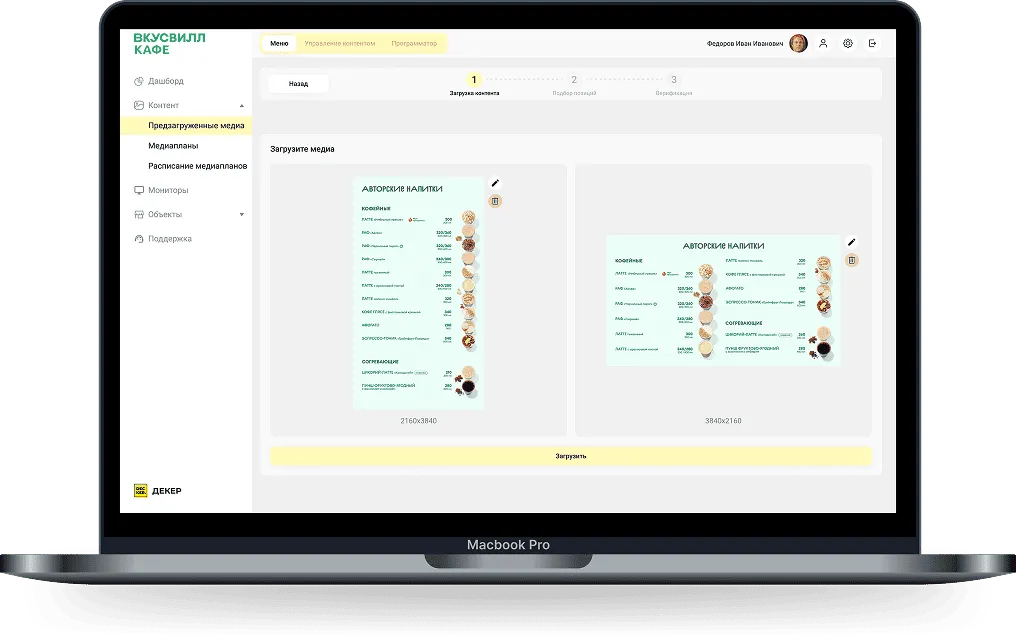
Teams connect screens, players, POS, ERP, API, media, messages, and content sources to Decker so each screen receives the data, assets, and business context that belong to its location.
-
Step 2.
Organize content and display rules
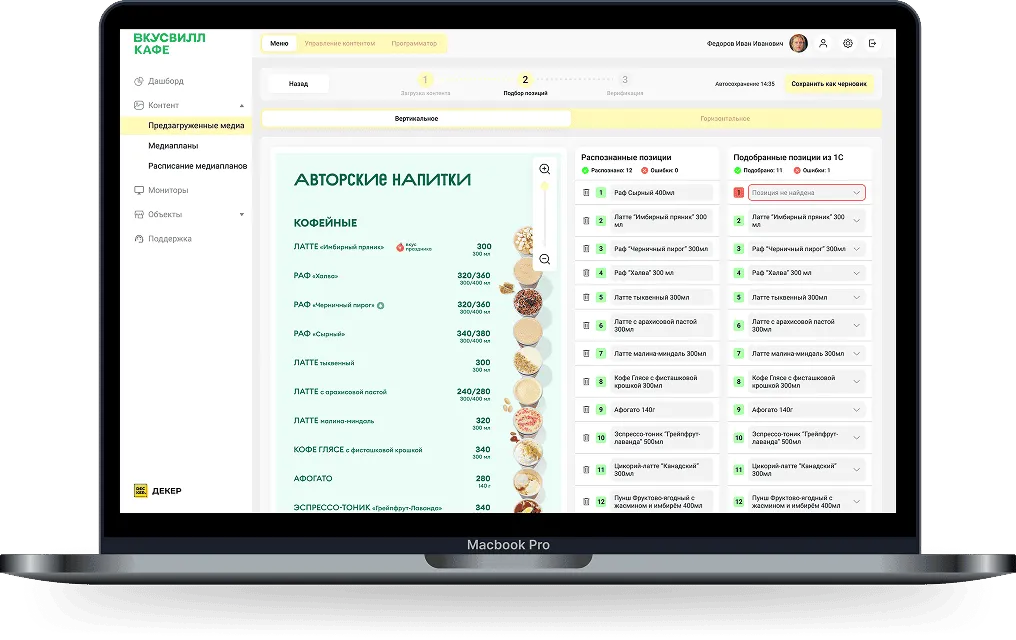
The platform organizes templates, playlists, schedules, locations, roles, and each display rule so teams control what content plays on each screen group, location, campaign, and business scenario.
-
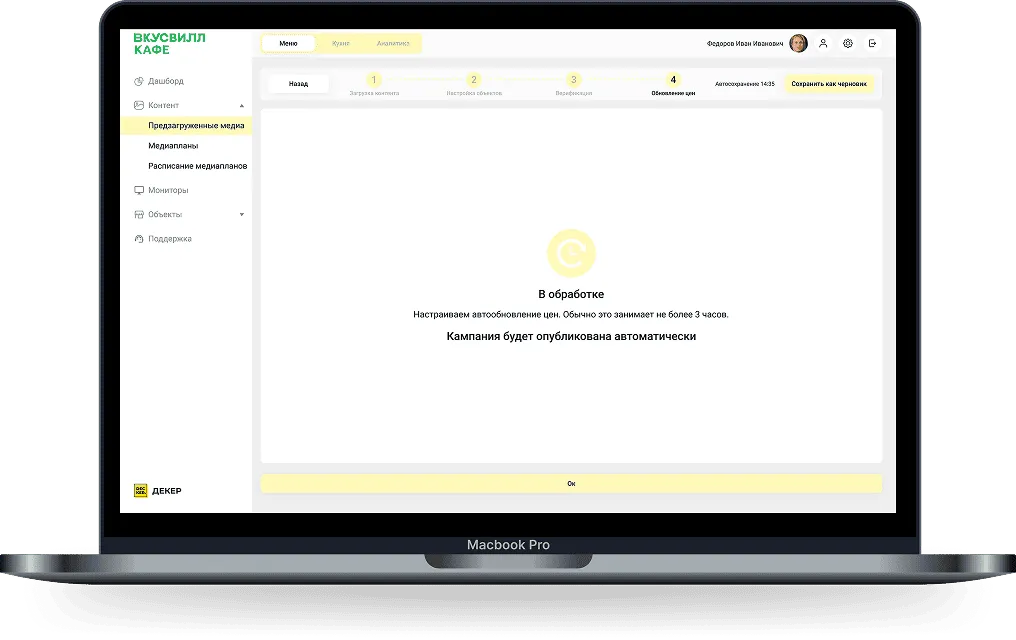
Step 3.
Publish the right content to each screen
The platform uses screen group, location, time, campaign, and business scenario to publish the right content to the right display without manual file replacement or local screen checks.
-
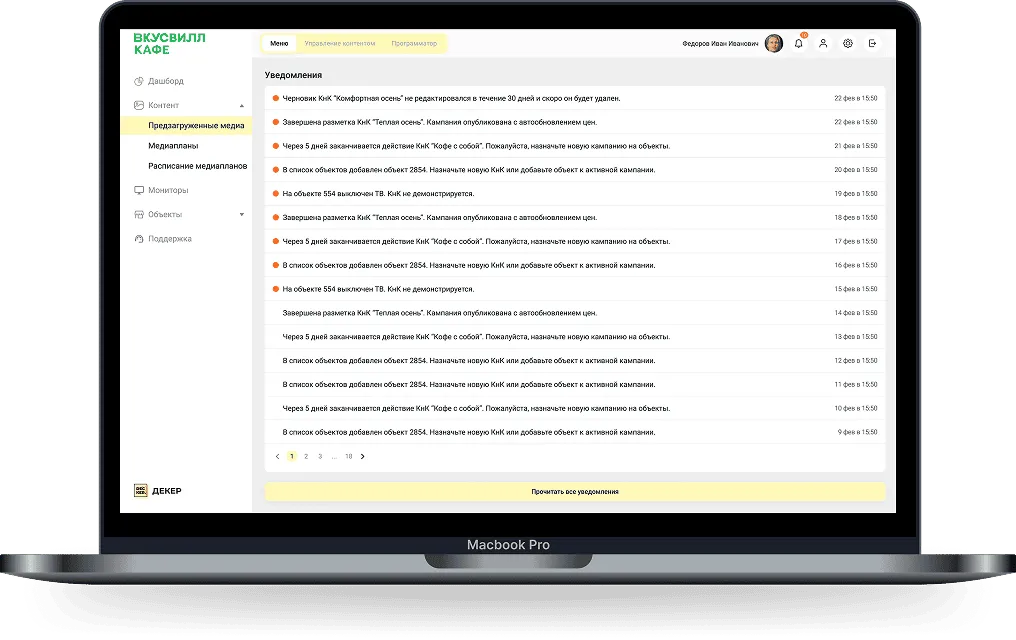
Step 4.
Verify playback and recover screens remotely
Decker checks playback, screen status, and screen state after publishing. Operations teams recover supported screens through remote actions or identify when on-site service is needed.
Digital signage workflows Decker supports
-
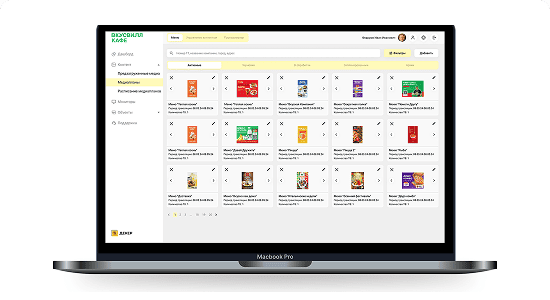 Digital Menu Boards
Decker updates digital menu boards with current menus, prices, offers, and availability across locations.
-
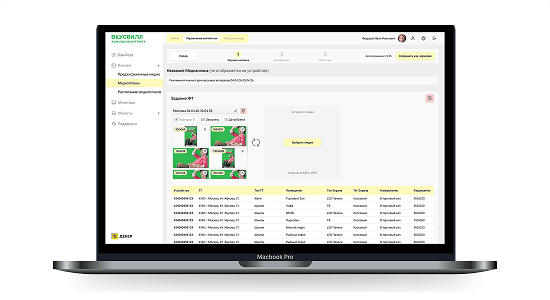 Screen Content Management (CMS)
Decker manages media, schedules, playlists, roles, and publishing rules from one screen content management workflow.
-
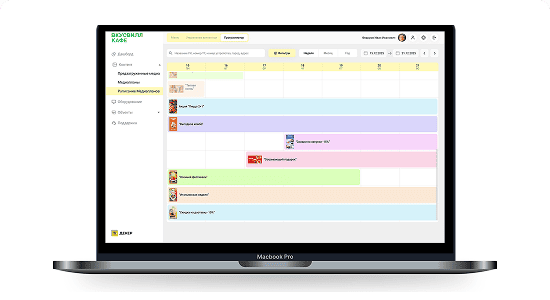 Advertising on Digital Screens
Decker runs advertising on digital screens by location, time, and campaign logic across screen networks.
POS-connected updates in cloud-based digital signage software
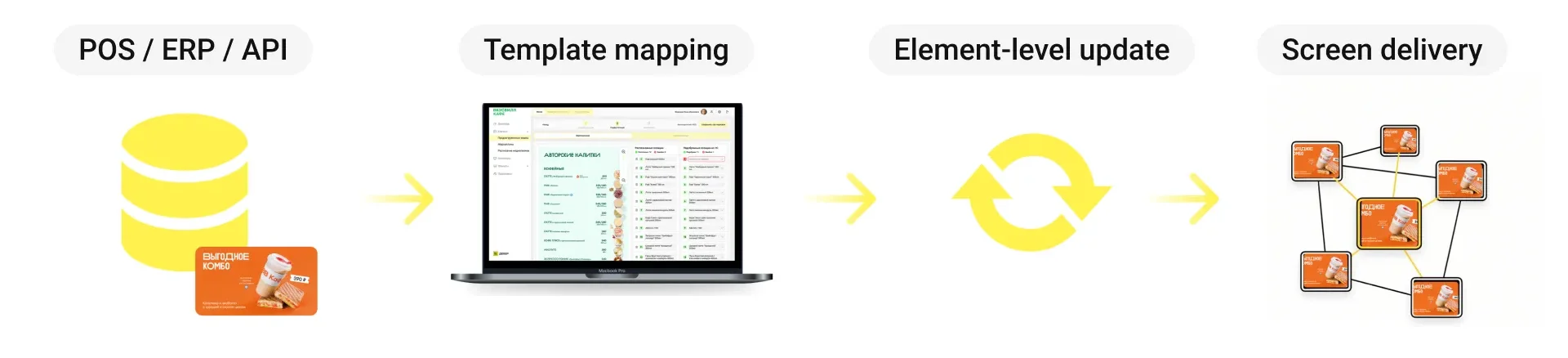
Decker connects POS, ERP, and API data with menu templates so food service and retail teams can update menus, prices, promotions, and availability across digital menu boards without rebuilding screen layouts.
-
POS-connected menu data
POS and ERP systems send menu, price, and availability changes into Decker, and the platform prepares the changed values for screen publishing.
-
Template-based menu updates
Decker maps changed values to screen templates and display rules, then updates the right menu elements without replacing the full layout.
-
Location and time-based scenarios
Decker applies location and time-based rules to menus, offers, and promotions so each site can show the right content during the right service period.
-
Targeted updates across screen networks
Decker sends only required content changes to connected screens, so teams keep messages, schedules, dashboards, alerts, promotions, and display content current across locations.


Digital signage software for business-specific screen solutions
Decker helps business teams connect screen content, menus, promotions, schedules, and display status to one workflow, so each location can publish the right message on the right screen at the right time.
-
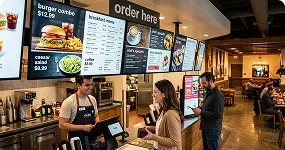
Restaurants
Manage menus, offers, and screen content.
-

Retail
Publish promotions across store screens.
-
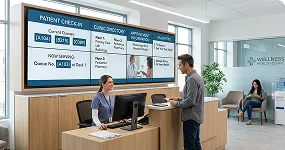
Healthcare
Show patient updates and wayfinding.
-
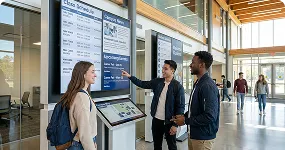
Education
Share schedules, alerts, and notices.
-
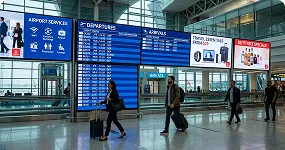
Airports
Guide passengers with live screen updates.
-
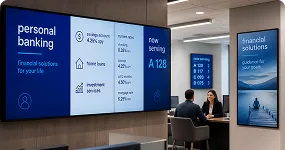
Banking
Display rates, offers, and branch notices.
Supported screens and digital display surfaces
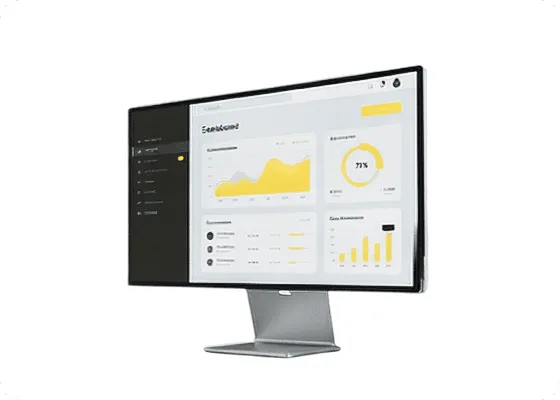
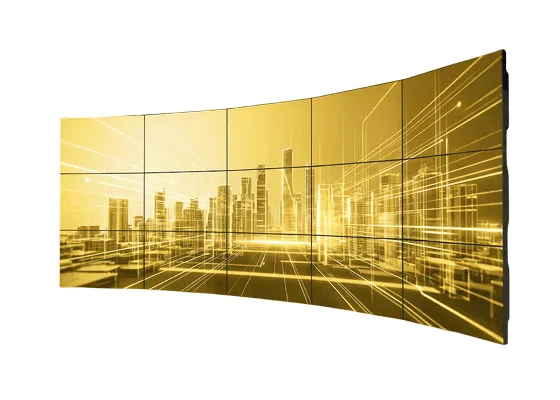
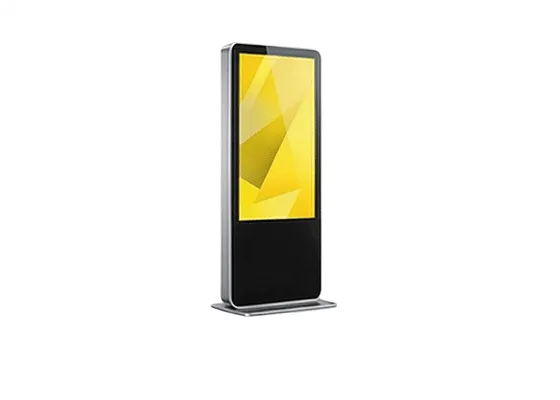
Decker supports different digital display surfaces when teams need centralized content, scheduling, publishing rules, and screen status control across TV screens, menu boards, video walls, touchscreen kiosks, information displays, promo screens, and wayfinding screens. Teams use Decker when different screen types need one publishing and monitoring workflow.
-
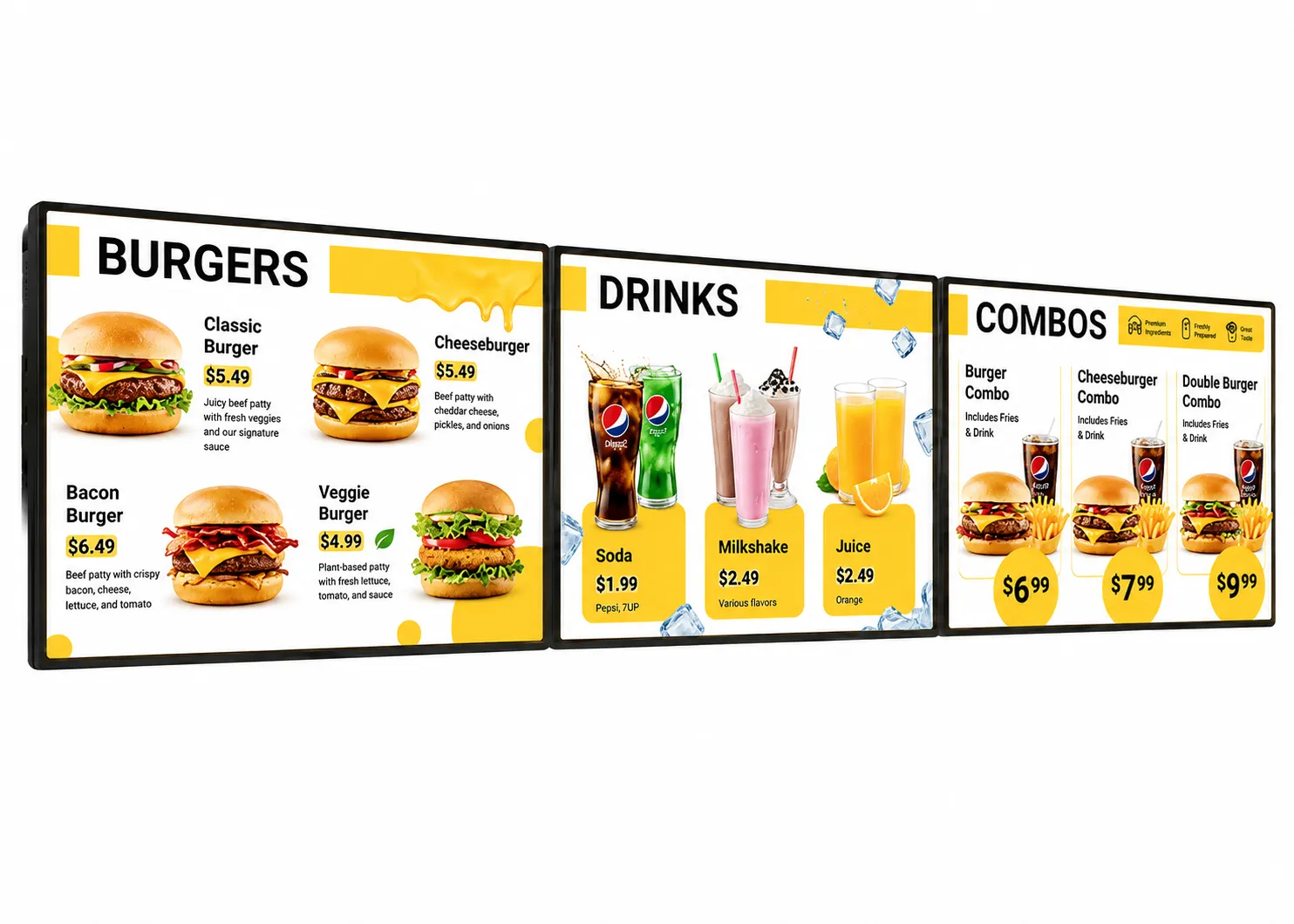 Digital Menu Boards
 -
 TV Screens
 -
 Corporate Screens
 -
 Video Walls
 -
 Touchscreen Kiosks
 -
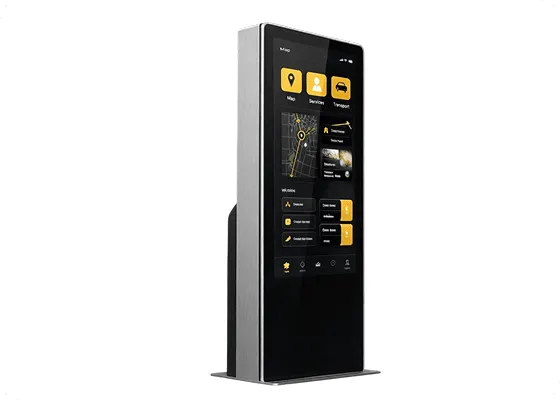 Information Displays
 -
 Promo Screens
 -
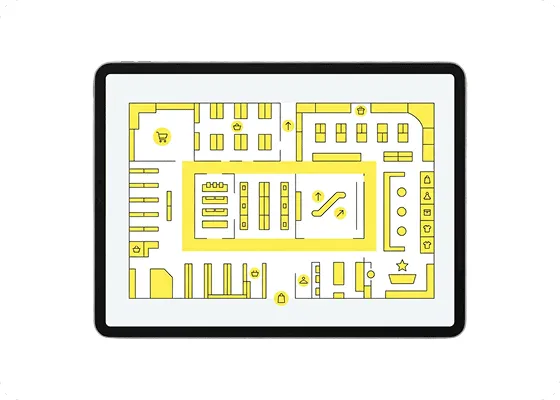 Wayfinding Screens
Monitor screen status and recover displays remotely
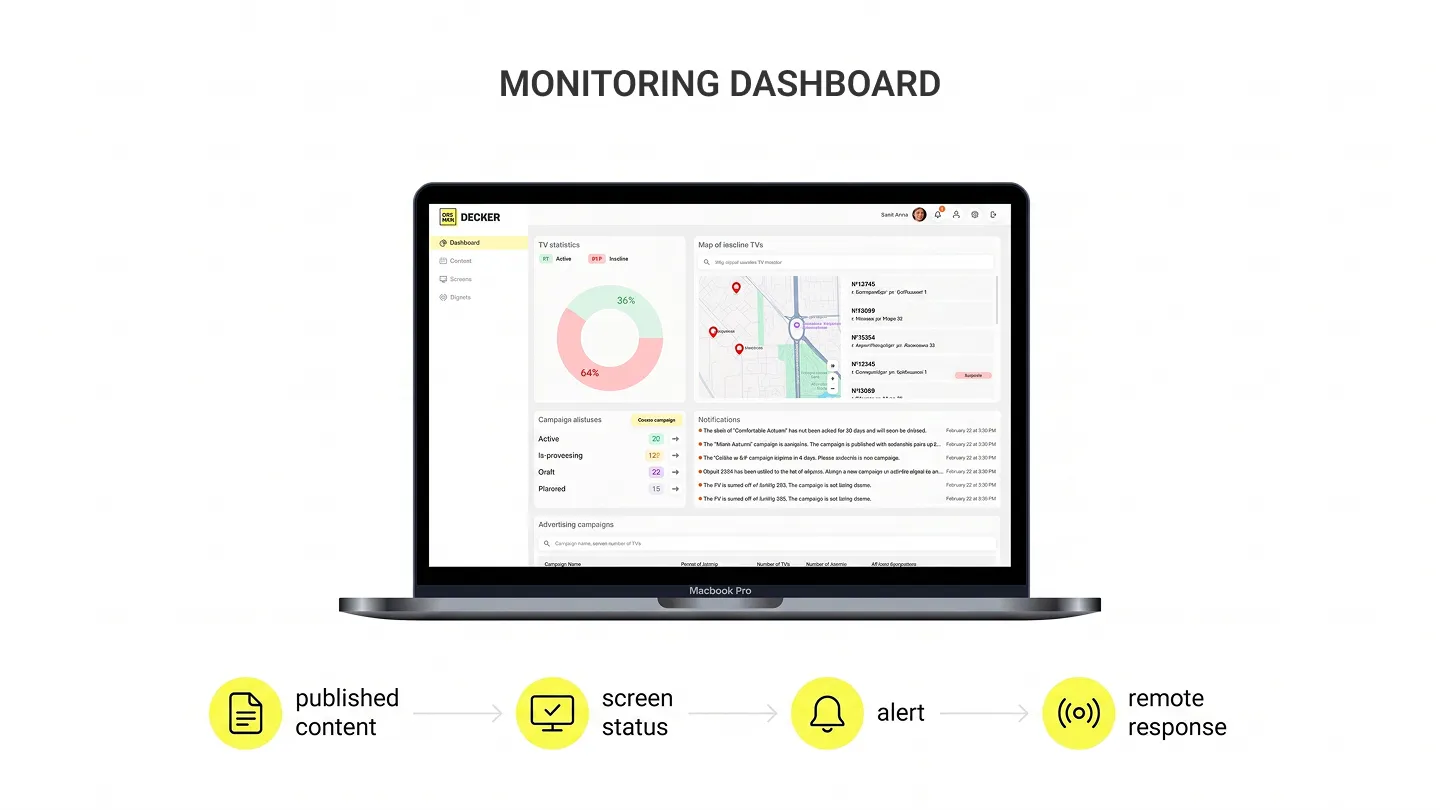
Decker monitors screen status after publishing and alerts operations teams when playback, connection, or display state changes create a risk of downtime.
-
Screen status monitoring
Decker tracks screen status, playback, player availability, and display state so operations teams see issues after content goes live.
-
Operational alerts
Decker sends an alert when playback changes, connection gaps, or display state issues require attention from the operations team.
-
Remote recovery workflow
Decker supports remote recovery actions that can include restart, player and display checks, HDMI source recovery, and power control when the setup supports those actions.
-
On-site service decision
Teams use Decker to decide whether a supported issue can be recovered remotely or requires on-site service at the location.

Our Projects: faster menu updates
Burger Shop used Decker to replace print-based menu updates with a POS-connected digital signage workflow across four ordering-area screens in Downtown Los Angeles.
Challenge
Burger Shop needed faster menu updates because every price, item, and offer change required design, approval, printing, delivery, and manual replacement at its Downtown Los Angeles restaurant.
Solution
Decker connected four ordering-area screens with POS data, screen schedules, and remote screen management so the team could update menu items, prices, availability, and offers from one workflow.
Result
Decker helped Burger Shop move menu updates from quarterly print cycles to a centralized digital signage workflow, reducing update time from days or weeks to minutes.
Trusted by teams running digital screen networks
-
13,700+screens connected
-
490+locations using Decker for menu operations
-
2,000+sites running screen operations
-
2 countries and 90+ citiesdeployment geography
-
7+ yearsteam experience
What Decker customers say

Decker helps our team keep menu screens current without Photoshop files or USB drives. We can update prices, menu items, and assortment details through one web interface, so routine changes take minutes instead of weeks.
Decker connected our menu data with our screens, so our team can update prices, items, and offers without rebuilding printed menus. We moved menu changes out of design and print cycles, and our ordering area now shows current information much faster.

Decker gave our team one place to schedule promotions, update menu items, and keep screen content consistent from day one. We avoided printed menus, USB files, and outside contractors, so our staff can manage changes inside one workflow.
Digital signage software FAQ
What is digital signage software?
Digital signage software is a CMS and central platform that manages content, schedules, and screens, then helps teams publish media, menus, announcements, dashboards, and promotions remotely.
How does Decker digital signage software work?
Decker digital signage software works when teams connect screens, add content and data, set display rules, publish content, monitor screen operations, and verify playback after publishing.
What makes Decker different from other digital signage platforms?
Decker adds verified playback to a digital signage platform through Player and Verifier logic. Decker checks screen and player status, then supports remote recovery when the setup allows it.
Can Decker manage screens across multiple locations?
Decker helps teams manage screens across multiple locations through screen groups, regions, roles, schedules, and display rules that control what each screen should show.
Does Decker support digital menu boards?
Decker supports digital menu boards by connecting POS, ERP, and API data with menus, prices, promotions, and availability, so screen content stays aligned with business data.
Can Decker verify that content is actually playing?
Decker can verify whether content is playing by checking screen status, player and display monitoring data, and playback signals after publishing.
Can Decker recover screens remotely?
Decker helps teams recover remotely through supported actions such as restart, display state checks, HDMI source recovery, and power control based on the hardware setup.
How do I request a Decker demo?
Teams request a Decker demo to get a project consultation, review pricing, discuss integrations, and plan implementation with the Decker team.
Plan your digital signage rollout with Decker
The Decker team reviews your screen network, content workflow, integrations, pricing, and implementation plan before showing how Decker can manage, publish, verify, and monitor your displays.